 SPARK MY SPORT
Choose your event
Find the event your athlete played in above.
Find the event your athlete played in above.
Enter your details and your athlete’s name.
Replay games, clip key moments with AI, and share plays.
Upgrade to Player Spotlight for reports, Scouting Grades, and highlight reels.
Spark My Sport brings together Film Studio for visual learning and Player Spotlight for performance insights—helping athletes understand their game, focus their development, and track their progress.
See it. Learn it.
Free with registrationLearn visually: review game film, annotate plays, and create highlights.
Replay games and key moments.
Turn key moments into clips.
Tag plays and share clips.
Measure it. Improve it.
Paid upgradeMeasure performance with stats, charts, and Scouting Grades. Find strengths and focus your development.
Key stats and game insights.
Save games to watch anytime.
Measure player performance.
Showcase your best plays.
Clear priorities for improvement.
Send your profile to scouts and college coaches.
Upgrade from your account after registering, or email contact@sparkmysport.com.
Explore a sample profile with Film Studio review tools, performance charts, and development priorities.
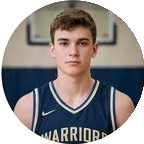
Explore player performance, Scouting Grades, and development insights.
Sample analytics shown for illustration
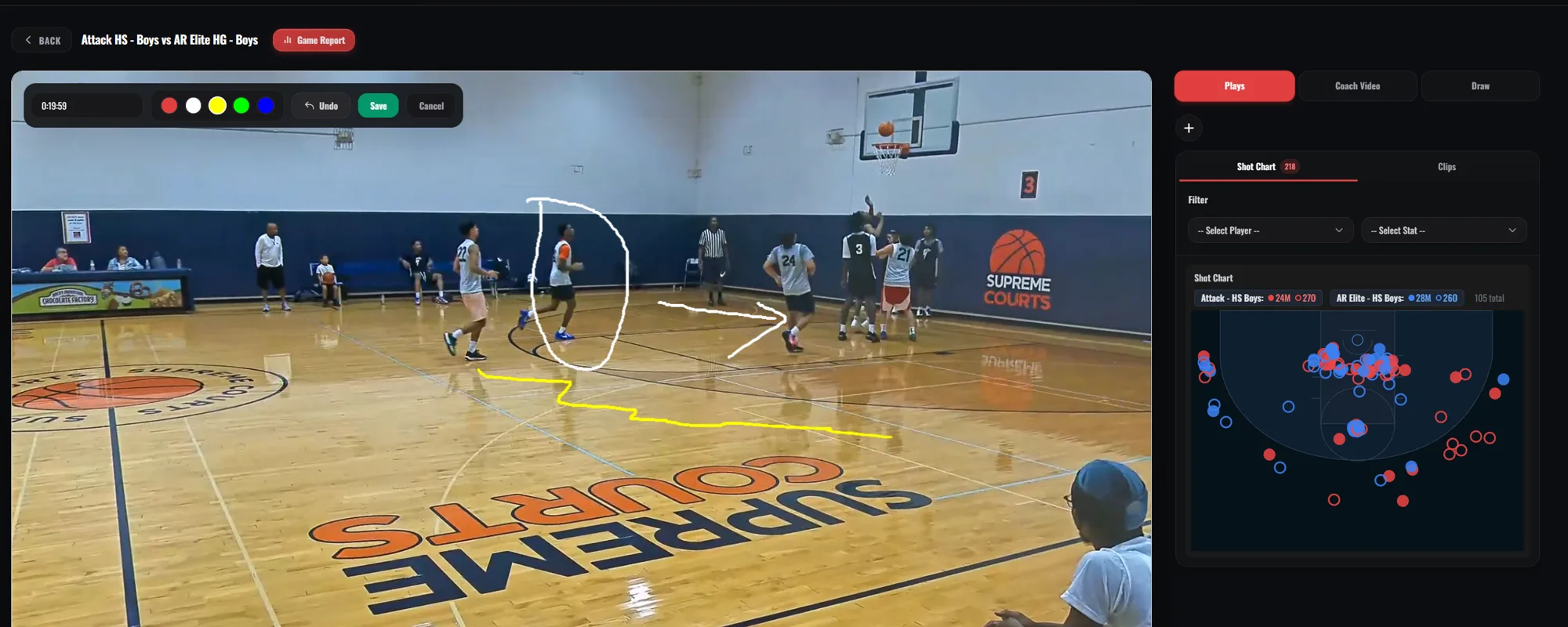
Review the film with on-screen annotations. Use the AI editor to tag key plays, then filter by player or stat to watch the moments that matter and turn game footage into focused learning.
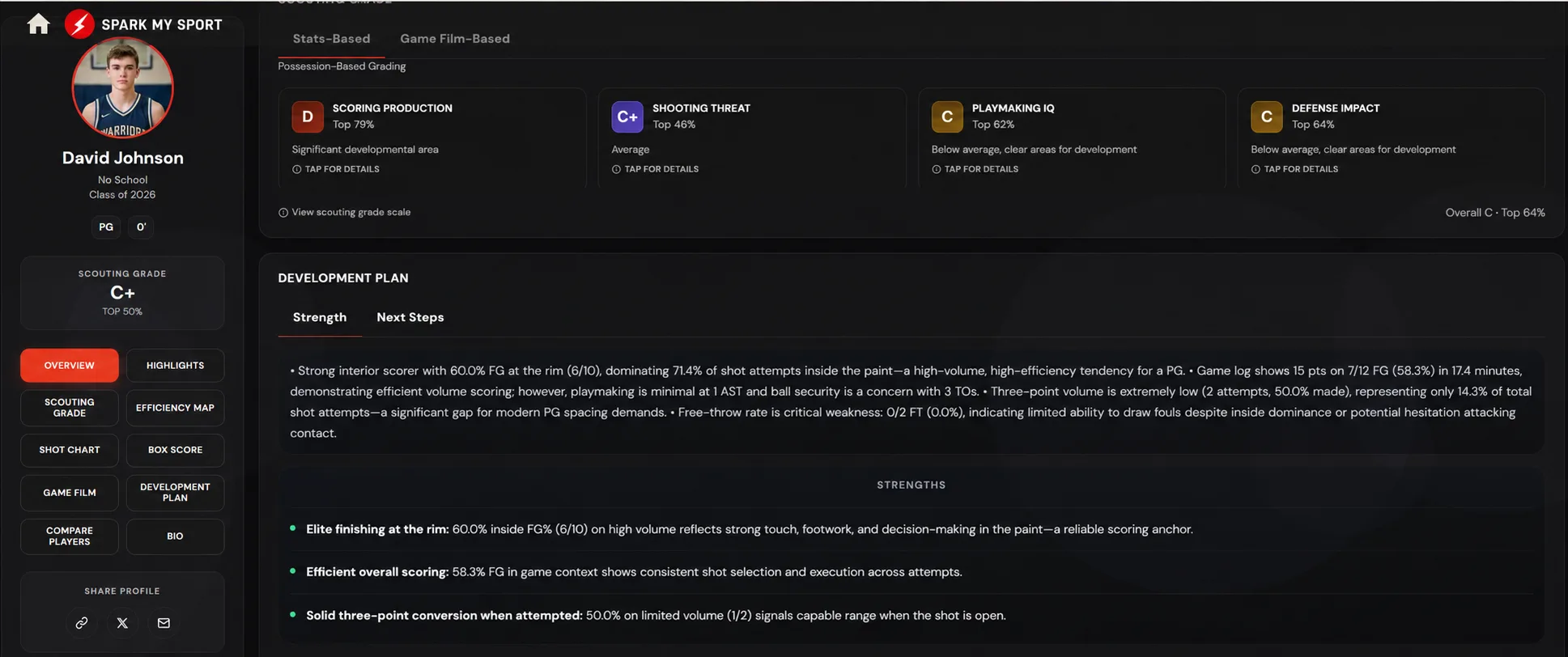
Review performance grades, understand strengths, and identify next steps for player development.
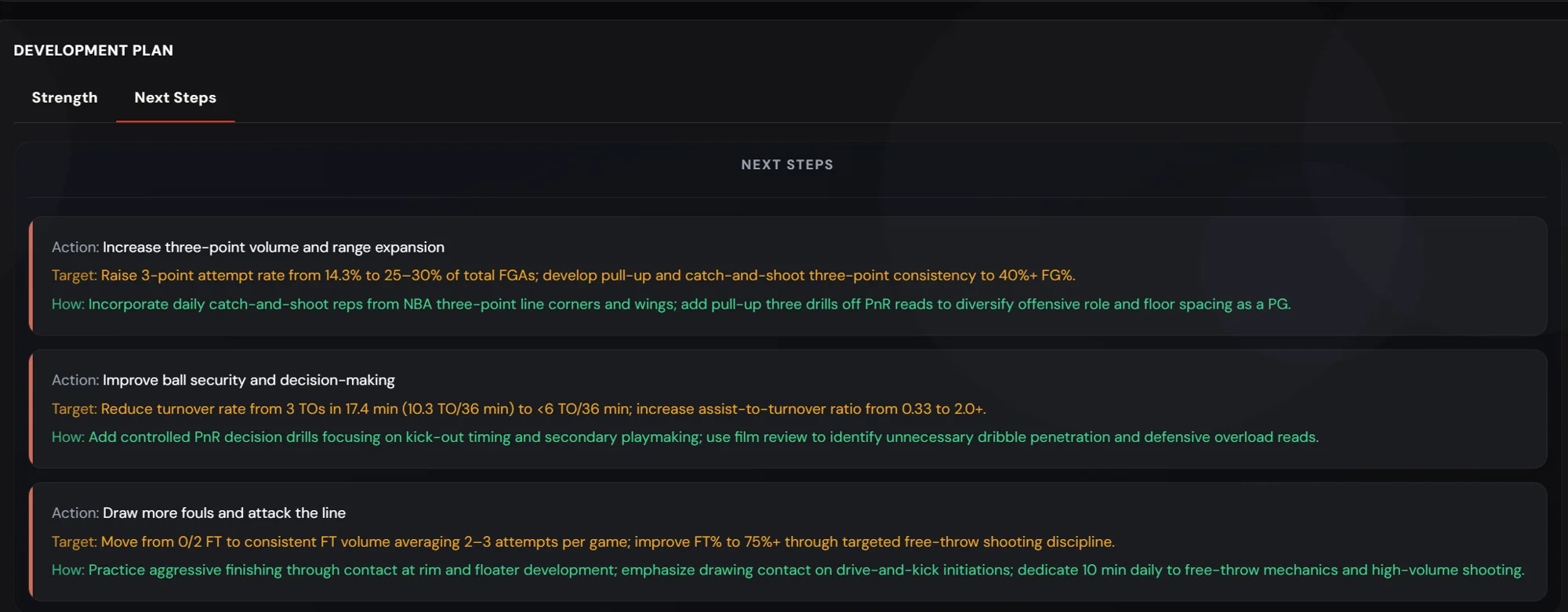
See what to work on, the target to aim for, and how to practice.
Explore stats summaries, efficiency maps, ratings charts, shot charts, and heat maps.
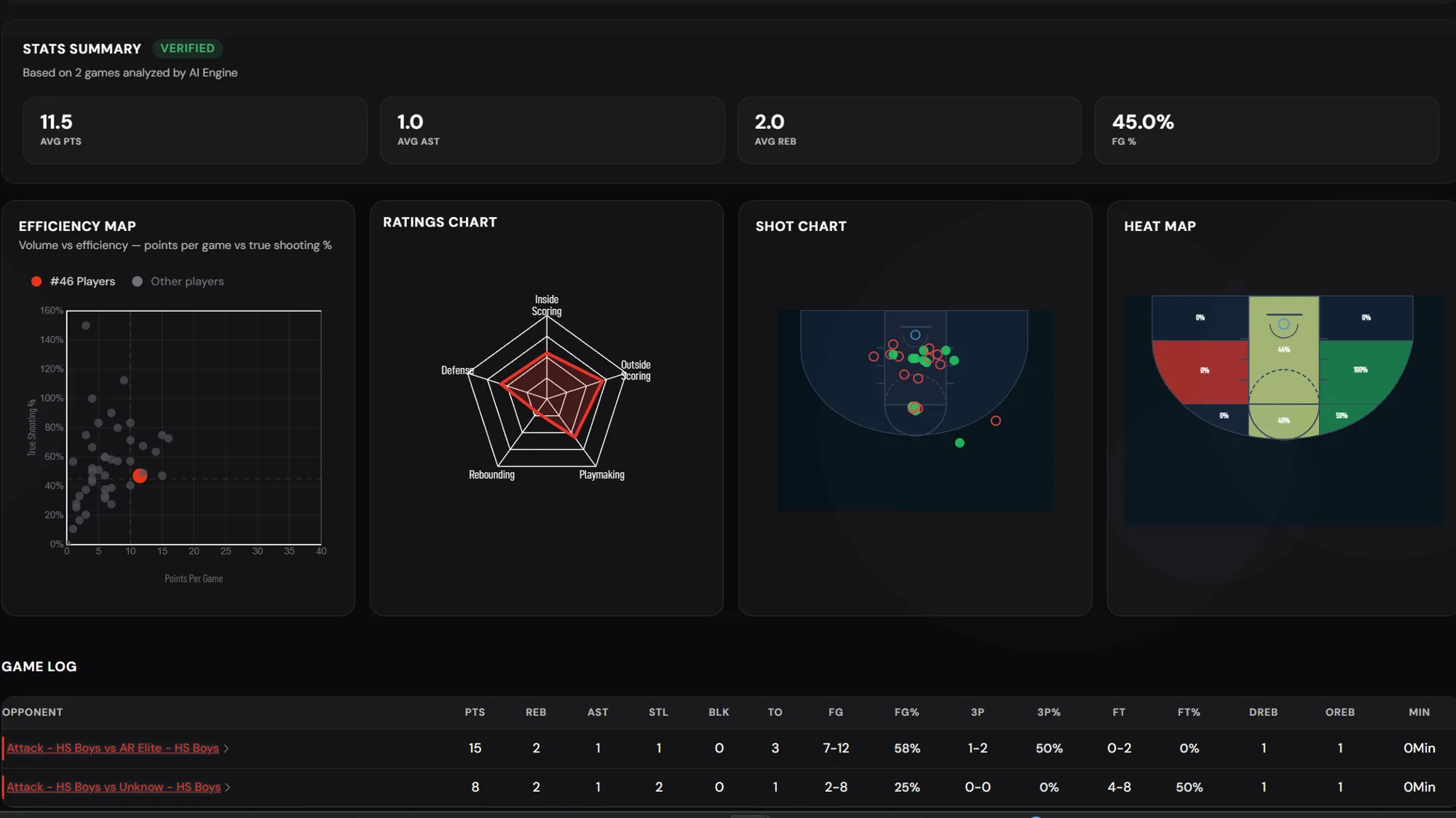
Sample Player Spotlight screens. The displayed statistics and grades are illustrative and are not verified results for David Johnson.
Register free to watch game film, create clips, and start a player profile.
Yes. Registering, watching game film and highlights, and creating and sharing clips in Film Studio are free. Game film downloads, highlight reels, and Player Spotlight insights are optional paid upgrades.
Parents, guardians, and athletes who want to watch game film and build a player profile. Register, then open the games and highlights tied to your athlete.
Use the Log in link to return to your account.
Register first, then email contact@sparkmysport.com to unlock AI-powered reports, Scouting Grades, and highlight reels. You can also compare plans on the pricing page.
Email contact@sparkmysport.com with your athlete’s name.
Use every game to build a stronger picture of who the player is and where they can improve.